Link in Bio for Podcasters: A Launch Day Checklist
November 19, 2026 · 5 min read
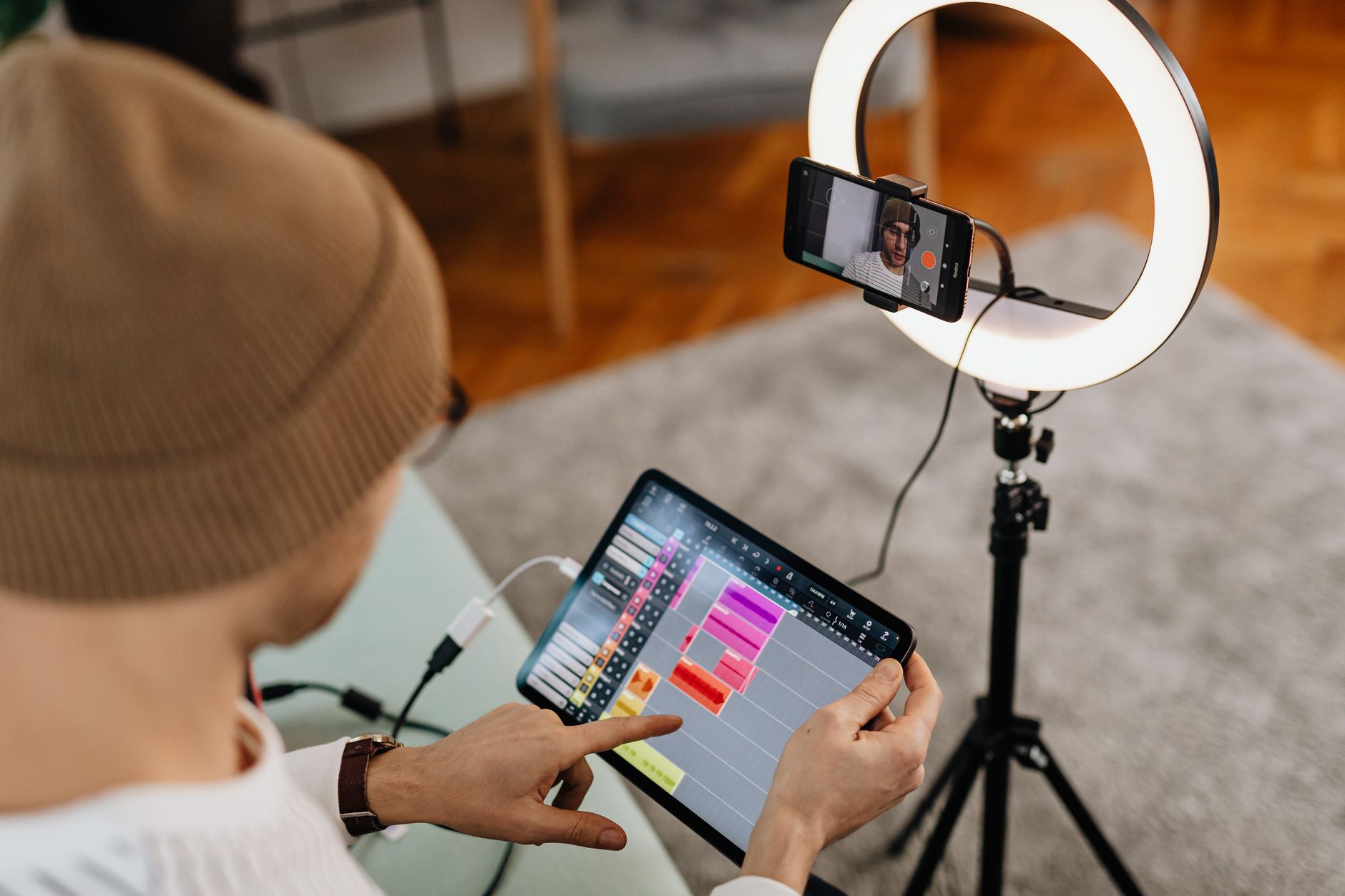
For podcasters, your link in bio is the bridge between a mention on social media and an actual listen. On launch day, every post, story, or short clip should point somewhere useful. A scattered bio wastes clicks and confuses new listeners. This checklist covers what to link, in what order, and how to keep the page current. No hype, just the steps that make a difference when a new episode goes live.
Set your primary link before you promote
Choose a link-in-bio page that lets you list multiple destinations. Your primary link should be the episode you want people to hear first. On launch day, that is the new episode. If you use Instagram, the bio link is often the only clickable link in your profile, so make it count. The same applies on TikTok, where the bio link can be limited or hidden depending on your account settings. Check how to add a link to your Instagram bio and why you might not be able to put a link in your TikTok bio if you run into issues.
Build a simple link order for new episodes
The first link should be the new episode player. Use a direct link to your hosting platform or a smart link that opens in Apple Podcasts, Spotify, or the listener's preferred app. Next, add a subscribe or follow link for your show. After that, add links for the guest: their website, social handle, or a resource they mentioned. Keep total links under five on launch day so listeners do not get overwhelmed. A simple order looks like this:
- New episode player link
- Subscribe or follow on Apple Podcasts and Spotify
- Guest website or social profile
- Show notes or transcript
- Newsletter signup, if you have one
Make subscribe links easy to find
Many listeners decide in the first 30 seconds whether to subscribe. Put a dedicated subscribe link near the top of your link page, not buried under old episodes. Use a service that creates one link for all podcast apps, or list the top two or three platforms. At the time of writing, Apple Podcasts and Spotify cover most listeners, but check your own analytics. If you have a YouTube channel for video episodes, link that too. The goal is to remove every extra tap between a curious visitor and a subscription.
Promote the guest without losing your own show
Guest promos are a common launch day task. You want to give the guest a place to share, but your link page should still lead with your episode. Create a section labeled "This week's guest" with their name, a short one-line note, and one or two links. Do not make the guest the first thing people see unless the guest is the main reason someone clicked. The episode player stays first. This keeps the page useful for both your audience and the guest's followers who visit after a cross-promotion.
Update your bio link before you post, not after
On launch day, you will post on Instagram Stories, TikTok, X, LinkedIn, and maybe YouTube Community. Each post should say "link in bio" and point to the same page. Before any post goes live, open your link page on a phone and tap every link. Check that the new episode link works, the subscribe link opens the right app, and the guest links are correct. A broken link on launch day costs you listens and looks unprofessional. This takes two minutes and prevents most common mistakes.
Track clicks to see what works
After the first 24 hours, look at your link click analytics. Which link got the most clicks? The episode player should be first, but if the guest link or subscribe link outperforms it, adjust the order for the next episode. You can also see which social platform sent the most traffic. This tells you where to double down next week. For a deeper look, read how to use link click analytics to decide what to post next and how to A/B test your link in bio and get more clicks.
Keep a permanent section for your show
New episodes come and go, but your show needs a stable home. Below the current episode, keep a small section with your podcast name, a one-line description, and a subscribe link. This helps new visitors understand what the show is about without scrolling through old episodes. If you have a media kit or sponsorship page, link it here too. A clear media kit can help you land brand deals, and you can see what strong ones include in media kit examples for influencers.
A simple launch day checklist
Here is the exact order to follow on the morning of a new episode.
- Update your link-in-bio page with the new episode player link as the first item.
- Add or refresh the subscribe link for your show.
- Add the guest section with one or two links and a short note.
- Test every link on your phone before posting.
- Post your first social update with "link in bio" and the episode title.
- After 24 hours, check click analytics and note what to change next time.
If you need a simple way to manage all these links, simple2.link lets you create a clean page with up to 20 links free, choose a theme, and see clicks per link. When your show grows, Pro adds more links and removes the badge. Launch day is busy enough without fighting your link page.