Instagram Affiliate Marketing: How to Start (Links, Stories, Disclosure)
October 15, 2026 · 5 min read
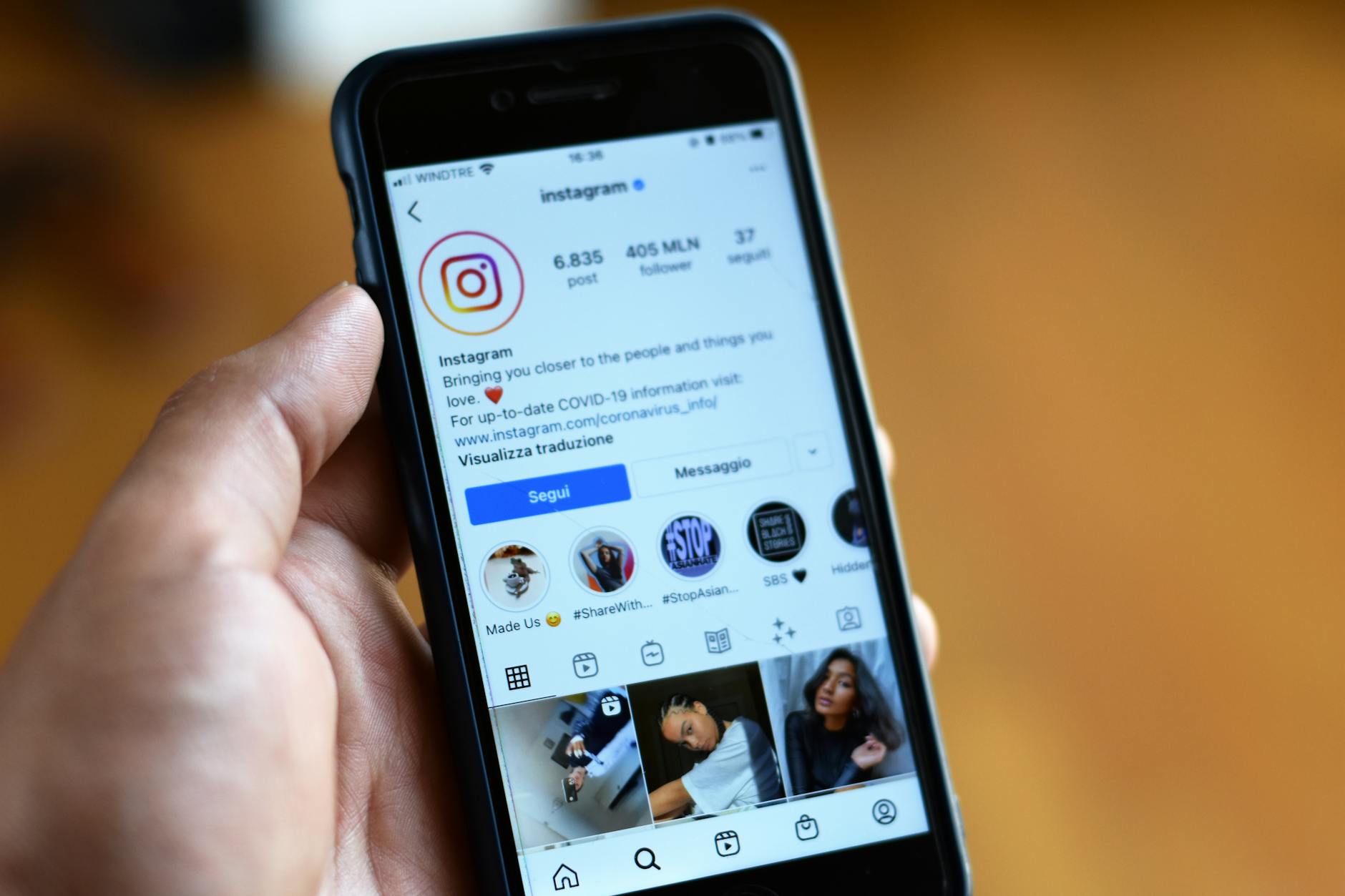
Instagram is one of the most natural places for affiliate marketing because you can show products in photos, videos, and Stories. But there is one big catch: Instagram does not let you put clickable links in captions or comments. That means where you place your affiliate link matters as much as what you promote. This guide walks through the basics of Instagram affiliate marketing, including link placement, Stories, and the disclosure rules you need to follow.
How Instagram affiliate links actually work
An affiliate link is a unique URL that tracks clicks and sales back to you. When someone taps your link and makes a purchase, you earn a commission. On Instagram, the challenge is that most places where you share content do not support clickable links. At the time of writing, the main clickable spots are your bio link and the link sticker in Stories, if your account has access to it. Captions can show a URL as plain text, but viewers cannot tap it. That is why creators usually tell followers to visit the link in their bio.
Where to place your affiliate links
Since you only get one clickable bio link on Instagram, you need a system. Here are the most effective placements:
- Bio link: This is your most reliable spot. Instead of linking to one product, use a link-in-bio page that holds multiple affiliate links.
- Story link sticker: If you have the sticker, add it directly to a Story for a time-sensitive promo. It is tappable and easy for viewers to use.
- Reels and feed posts: You cannot add clickable links here, so use a short call to action like 'link in bio' or 'tap the link in my bio.'
- DMs: For a small number of engaged followers, you can send a direct affiliate link. This does not scale, but it can work for one-on-one recommendations.
If you are not sure how to set up your bio link, read how to add a link to your Instagram bio.
Using Instagram Stories for affiliate links
Stories are one of the best places for affiliate links because the link sticker is tappable and the content feels immediate. To use it, create a Story, tap the sticker icon, choose the link sticker, and paste your affiliate URL. You can then add text like 'Tap to shop' or 'My favorite moisturizer.' If you do not see the link sticker, your account may not have access yet. At the time of writing, Instagram has expanded link stickers to many accounts, but eligibility can change, so check the app. If you do not have it, direct viewers to your bio link instead. You can also save Stories with link stickers to Highlights, but keep in mind that features change, and a link in a Highlight may not stay tappable forever. Check periodically.
Disclosure rules you need to follow
If you earn money from affiliate links, you must disclose that relationship clearly. The FTC requires that your disclosure be hard to miss. On Instagram, that usually means adding #ad or #affiliate at the beginning of your caption, or placing a clear text overlay on a Story. Do not bury the disclosure in a long list of hashtags or use vague tags like #sp or #collab on their own. A simple approach is to write 'This post contains affiliate links. I may earn a commission if you buy through them.' at the top of your caption. For Stories, add a text box with #ad or 'affiliate link' in a readable size and position. Rules can change, so check the FTC's current guidance if you are unsure.
A simple workflow to start
You do not need a huge following to start, but you do need a repeatable process. Here is a basic order to follow:
- Join an affiliate program or network that fits your niche. Amazon Associates and ShareASale are common starting points, but many brands run their own programs.
- Pick products you have used or would genuinely recommend. Trust is your main asset.
- Get your unique affiliate link for each product.
- Create a link-in-bio page with your affiliate links. Keep it simple and organized.
- Post content that shows the product in use. A photo, Reel, or Story works.
- Add your affiliate link to a Story sticker or direct people to your bio link.
- Disclose the affiliate relationship clearly in every post or Story.
- Check your clicks and commissions weekly. Double down on what gets clicks.
Common mistakes to avoid
Most early affiliate marketing mistakes come from trying to do too much or hiding the commercial side. Avoid these:
- Putting raw affiliate links in captions. They are not clickable and look messy.
- Hiding your disclosure in a wall of hashtags. It must be visible.
- Promoting too many products at once. Start with one or two you trust.
- Forgetting to update your link-in-bio page when a campaign ends or a link changes.
- Ignoring your click data. If a link gets no clicks, change the placement or the product.
Make your bio link work harder
Your Instagram bio link is the only clickable link most followers will see on your profile. Instead of pointing it to a single product, use a link-in-bio page that lists your current affiliate links in a clear order. If you are not sure how to structure that page, what to put on your link in bio page covers a simple sequence. When choosing a tool, focus on speed and ease of use rather than extra features you will not need. Choosing a link-in-bio tool explains what actually matters. If you want a straightforward way to organize your affiliate links, simple2.link lets you create a clean page with up to 20 links for free, and Pro adds more links and removes the badge. That is often all you need to start.